

Bid ladder planner
Turn a budget into staggered bid rungs: price per rung, quantity per rung, and total spend before you commit. A ladder spreads your budget across falling price levels, so a dipping price fills your cheap bids instead of your expensive one.
| Rung | Bid price | Quantity | Rung cost | Cumulative spend |
|---|
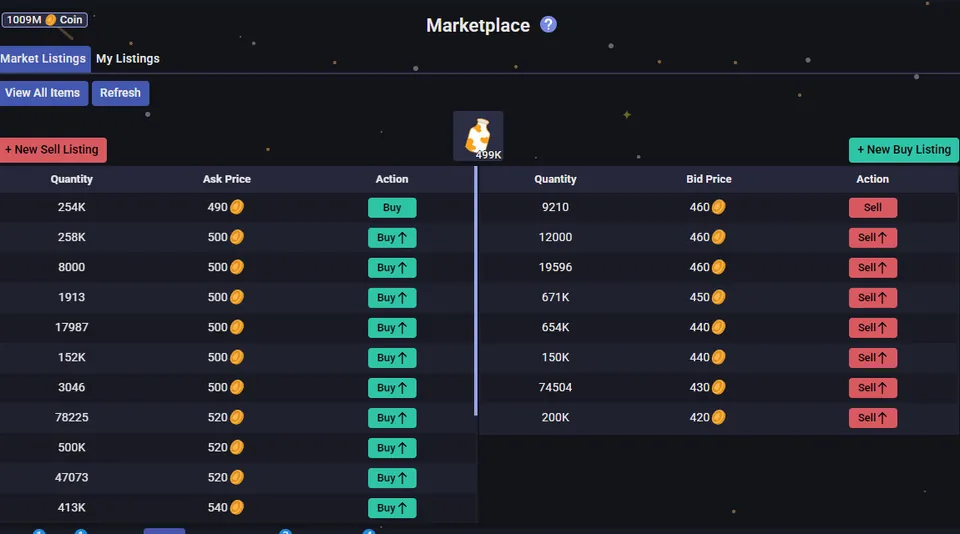
The budget is split evenly across the rungs. Rung 1 bids at your top price; each rung below it drops by the step percentage, and its quantity is whatever that rung's share of the budget buys at that price. Total committed never exceeds the budget.
Start from the current bid on the item's page, not the ask. A top bid above the current best bid fills faster but pays more; run the fill price through the trading calculator to confirm the flip still clears tax.
The planner does not know order-book depth: rungs fill only if the price actually reaches them. Deep steps on a stable item mean most of your budget just sits unfilled — that is a feature when you only want cheap fills, a bug when you need volume.