


WalkScape step planner
WalkScape turns real-world steps into game progression, so every goal is really a walking schedule. Enter a step target and your real daily average to see how long it takes and how much a faster pace saves. WalkScape is still in closed beta, so this planner works from your own numbers instead of a copied route or activity database.
Plan a step goal
| Daily pace | Days to finish | Days saved vs your pace |
|---|
The math is deliberately simple: steps remaining divided by daily pace. Real progress varies with rest days, so treat the projection as a floor, not a promise. When an activity multiplies or discounts steps, apply that to the goal before entering it here.
How to use it
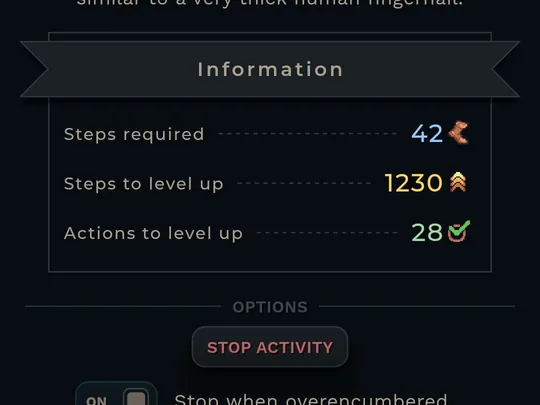
Use the step requirement of the activity or milestone you actually care about next, not a season-long total. Short goals keep the daily target believable.
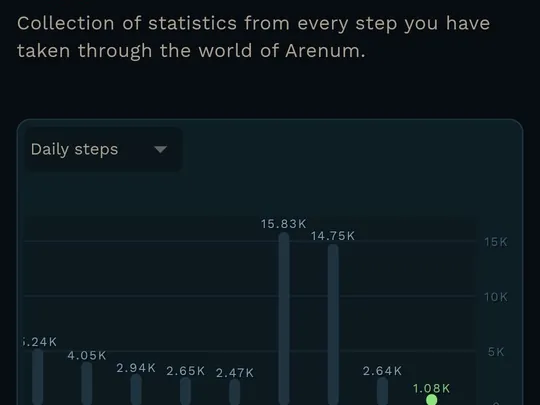
Take your phone or watch's 30-day average rather than your best day. The planner is only as honest as the pace you feed it.
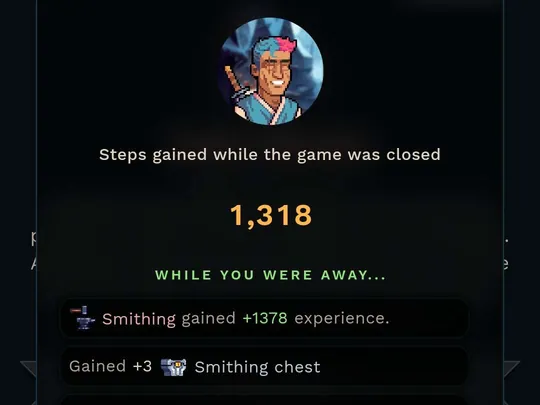
The pace table shows what an extra 2,000–4,000 daily steps buys in finish time. That is usually the difference of one walk, made concrete.
In-game screenshots © Not a Cult Oy, from the official WalkScape press kit.
From the press kit
11 official images

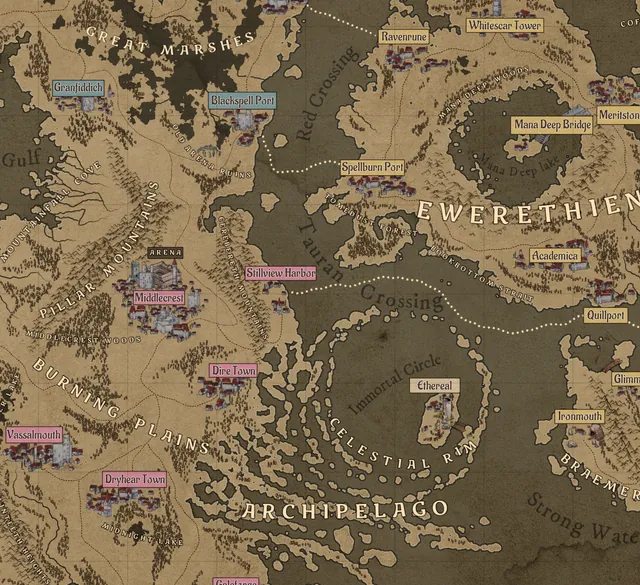


Screenshots and art © Not a Cult Oy, from the official WalkScape press kit.
Source boundary
Use public official pages for status and definitions.
API access is gated and needs permission before monetized pages use it. Game-specific activity presets ship only after that clears.
No player scraping, leaderboard harvesting, or beta-only database clone ships from this section.